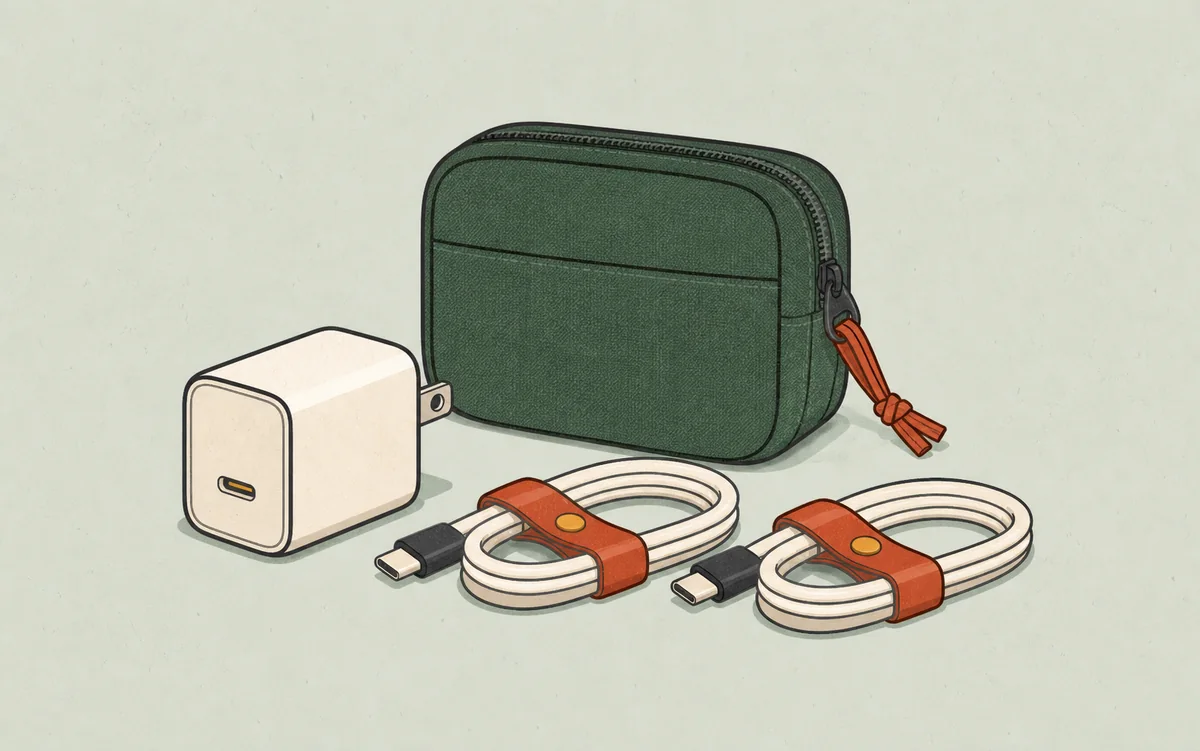
Short answer: I would treat the Anker 240W USB-C Cable as a nice charging cable first, not as a universal USB-C cable. It makes sense if you want high power headroom, a braided finish, and a familiar accessory brand at a mainstream price. I would skip it for monitor setups, fast external drives, or docking stations because Anker's own page lists 480 Mbps data transfer and says screen mirroring is not supported.
How this guide was made: I have not tested this cable hands-on. This guide is based on Anker's and Belkin's official US product pages, verified on July 6, 2026, plus my analysis of how those specs translate to real buying decisions. GameFunns did not receive a sample, buy either cable, or perform charging, durability, bending, or transfer-speed tests. If we buy one later or receive reader-supplied measurements, this article should be updated with clearly labeled first-hand notes.
The buying question I would ask first
Before looking at the 240W number, I would ask one plainer question: what job is this cable supposed to do every day?
If the answer is "charge my laptop, charger, power bank, tablet, and phone without worrying about wattage headroom," Anker's cable is easy to justify. If the answer is "connect my laptop to a monitor" or "move video files from a fast external SSD," this is probably the wrong product category. That distinction is where a lot of USB-C disappointment starts.
A useful way to think about this cable is: it solves the power side of the USB-C problem well, while leaving the data and display side mostly out of scope.
What this cable is trying to be
The Anker 240W USB-C Cable is best understood as a premium everyday charging cable, not as an all-purpose USB-C cable. That distinction matters because USB-C products often share the same connector while doing very different jobs.
On its official US page, Anker positions this model around four ideas:
- 240W charging support
- USB-IF certification
- a recycled-material braided exterior
- a softer-touch finish than a basic plastic cable
That package makes sense for buyers who mostly care about charging without ending up with a cheap-feeling cable. It makes less sense for shoppers whose first priority is fast SSD transfers, video output, or docking.
Anker 240W USB-C Cable at a glance
| Category | Official or evidence-backed detail |
|---|---|
| Product name | Anker USB-C to USB-C Cable (3 ft / 6 ft, 240W, Upcycled-Braided) |
| Model family | A82E2 series |
| Official US price checked July 6, 2026 | $19.99 |
| Official availability at research time | In stock |
| Maximum stated charging rating | 240W |
| Certification claim | USB-IF certified |
| Official lengths available | 3 ft, 6 ft, and 10 ft |
| Exterior positioning | Soft-touch, upcycled braided finish made from recycled materials |
| Best fit | Buyers who mainly want a durable-looking high-power charging cable |
| Stated data and display limit | Up to 480 Mbps; screen mirroring is not supported |
Who should consider buying it
It is a good fit if:
- you charge a USB-C laptop and want 240W headroom for future devices
- you prefer a braided cable that looks and feels more premium than basic rubberized cables
- you want a cable from a major brand at a price that is still close to the mainstream market
- you mostly use one cable for charging at a desk, bedside, or travel setup
- you do not want to overpay for a cable if your real need is reliable charging rather than pro-level data features
Anker's value here is straightforward: high power, recognizable certification language, a nicer finish, and a price that still feels mainstream.
Who should skip it
You should probably pass on this cable if your main goal is something other than charging.
This is not the best choice if:
- you specifically need a cable advertised for high-speed file transfers
- you need a cable whose video-output capabilities are clearly documented
- you want a low-cost spare and do not care much about finish or brand
- you are trying to buy one cable for every docking, monitor, storage, and charging job
- you want the longest list of published technical specs before buying
That last point is easy to miss. Anker's page leans toward the accessory side: it clearly explains power and materials, but not advanced data or display capability.
Price, length, and the small choices that matter
On July 6, 2026, Anker's official US listing showed this cable at $19.99, a reasonable middle-tier price for a branded 240W braided cable.
Compared with Belkin's current official 240W cable price of $20.99, Anker is effectively in the same bracket. That makes this less of a bargain play and more of a preference decision between brands, materials, and how much technical transparency you want from the product page.
The length choice is more personal than the wattage number. I would think about it this way:
- 3 ft makes sense for a desk charger, a power bank, or a short bedside run where extra cable becomes clutter.
- 6 ft is the safer everyday length if the wall outlet is behind furniture or you charge while using a laptop.
- 10 ft is useful for awkward rooms, but it is also easier to tangle and less pleasant to pack.
That is the kind of detail spec tables hide. A 240W rating is impressive, but the wrong length is what you notice every day.
What the 240W rating actually means
The 240W number is the headline, but it needs context.
A 240W USB-C cable is designed for the upper end of USB-C power delivery use. That matters most for modern laptops and some high-output chargers or batteries. It does not mean every compatible device will suddenly charge faster. A phone, tablet, or smaller laptop will still draw only what its own charging circuitry allows.
That is why 240W can be both useful and slightly misleading: it gives you headroom for demanding devices, but many buyers will never come close to 240W in normal use.
Anker lists MacBook, iPad, Lenovo, HP, Samsung, Google Pixel, and iPhone models in its compatibility information, which helps show the intended range of charging use cases. If your most demanding device is a phone or tablet, the 240W ceiling is more about headroom than a speed you will necessarily use.
Materials and design: where Anker is clearly differentiated
This is one area where Anker's positioning is unusually clear.
The official page describes the cable as made with recycled materials and finished in a soft-touch, upcycled braided exterior. That may sound cosmetic, but it affects the day-to-day ownership experience more than many spec-sheet buyers admit.
A charging cable gets handled constantly. Texture, flexibility, and abrasion resistance shape whether it feels annoying or pleasant after a few weeks.
Based on the official materials description, Anker is trying to compete on better hand feel, a more premium look, a sustainability-friendly story, and better perceived durability.
Without hands-on testing, I would not overstate the durability advantage. A braided finish often looks tougher, but real durability depends on strain relief, connector construction, and use. Still, Anker does a better job than some budget rivals of making the cable feel like a finished product rather than a commodity line item.
Compatibility: broad connector fit, but not universal certainty
The good news is simple: this is a USB-C to USB-C cable, so it fits a large range of modern devices.
That includes obvious candidates such as:
- USB-C laptops
- MacBook Pro models that charge over USB-C
- iPads with USB-C
- Android phones with USB-C
- USB-C power banks and wall chargers
The less obvious part is that connector fit does not equal full feature equivalence. A cable can fit physically and still be the wrong choice for the job you had in mind.
For this Anker model, the official evidence strongly supports charging use. Anker also states a data rate of up to 480 Mbps and explicitly says the cable does not support screen mirroring. If you want to connect a monitor, use a high-performance dock, or move large files routinely, choose a cable whose documented video and data specifications match that job.
That is the biggest compatibility warning in this guide:
This cable is broadly positioned for charging, but its documented 480 Mbps ceiling and lack of screen-mirroring support make it the wrong pick for advanced data or display workflows.
The practical downside of many 240W cables
One of the most common buying mistakes in this category is assuming the cable with the biggest wattage must also be the best cable overall. That is not how USB-C buying works.
In practice, you may need to choose between:
- a charging-first cable
- a data-first cable
- a display/docking cable
- a premium all-rounder that costs more
The Anker cable appears to be strongest in the first category. That is not a flaw by itself. It only becomes a drawback if you expected it to cover the other categories equally well.
So the real trade-off is not "good vs bad." It is:
- good if you want an everyday premium charging cable
- less compelling if you want a highly documented pro-use cable
Anker vs Belkin
To keep the comparison fair, the table below focuses on what the brands publicly disclose rather than what I assume from the connector alone.
| Feature | Anker 240W USB-C Cable | Belkin 240W USB-C Cable |
|---|---|---|
| Official price checked July 6, 2026 | $19.99 | $20.99 |
| Maximum stated power | 240W | 240W |
| Official lengths | 3 ft, 6 ft, and 10 ft | 1 m and 2 m |
| Materials positioning | Recycled-material, soft-touch upcycled braid | Double-braided nylon |
| Officially surfaced data rating | Up to 480 Mbps | USB 2.0 standard |
| Display support | Screen mirroring not supported | Not promoted as a display cable |
| Warranty or coverage | 24-month coverage | 2-year warranty |
| Extra technical detail surfaced | Not focused on E-marker details in the article-facing copy | Belkin lists dual E-marker chips with over-temperature protection |
What this comparison really says
Belkin is the cleanest direct competitor if you want a like-for-like premium branded charging cable. It costs about the same, uses a double-braided nylon design, states USB 2.0 support, lists a 2-year warranty, and publishes a little more technical detail around its cable design. Anker answers with more length choices and a recycled-material story. Neither product should be mistaken for a display-first or high-speed storage cable.
Pros and cons
Pros
- Competitive official price for a branded 240W braided cable
- USB-IF certification is a reassuring signal for mainstream buyers
- Recycled-material braided finish gives it a more premium identity than a basic cable
- Official 3 ft, 6 ft, and 10 ft options cover short desk setups and longer runs
- Brand positioning is clear: this is a charging-first cable with nicer materials
Cons
- The 480 Mbps data ceiling is modest, and screen mirroring is not supported
- Many buyers will never actually need 240W headroom
- Belkin discloses more technical detail at nearly the same price
- Budget competitors can be much cheaper if you are simply buying a spare cable
- No first-hand durability or flexibility testing was available for this guide
Best use cases
1. A nicer daily laptop charging cable
If you want one main cable for your laptop charger and care about look, texture, and brand confidence, this is the strongest case for buying it.
2. A premium travel or desk cable
For travelers or desk users who carry one charger across several USB-C devices, a 240W-rated cable offers headroom without stepping into the much higher prices of some specialty cables.
The 30-second check before you buy
Before adding this cable to a cart, I would check three things:
- Your charger output. If your charger tops out far below 100W, a 240W cable still works, but you are buying future headroom rather than current speed.
- Your highest-power device. A laptop can make the 240W rating useful. A phone-only setup usually cannot.
- Your non-charging needs. If this cable also has to handle a monitor, dock, capture card, or fast external drive, Anker's published 480 Mbps data limit and no-screen-mirroring note should make you pause.
That small check is more useful than asking whether 240W is "good." It is good for the right job and unnecessary for plenty of ordinary ones.
FAQ
Is the Anker 240W USB-C Cable worth buying?
Yes, if you want a premium-feeling charging cable from a major brand at a reasonable official US price. It is less attractive if you need clearly documented high-speed data or display support.
Does 240W mean my phone will charge faster?
Not necessarily. Your device only draws the power it is designed to accept. The 240W rating is mostly about capability headroom, especially for larger laptops and future devices.
Is a 240W cable the same thing as a high-speed data cable?
No. Power rating and data capability are separate buying criteria. That is one of the biggest reasons shoppers end up with the wrong USB-C cable.
Should I buy Anker or Belkin?
Buy Anker if you want more length and color choices plus a recycled-material braided finish. Buy Belkin if you prefer its double-braided nylon construction and clearly stated USB 2.0 and 2-year warranty details. Both are charging-first cables.
Final verdict
The Anker 240W USB-C Cable is easy to understand once you stop treating it like a universal USB-C solution. It is a well-priced, well-presented, charging-first cable aimed at buyers who want something nicer than a throw-in cable without paying luxury-cable pricing.
That makes it a sensible buy for many US shoppers. At $19.99 on Anker's official US site when checked on July 6, 2026, it sits in a competitive spot against Belkin and well above the budget tier without becoming unreasonable.
The main limitation is not that Anker did anything wrong. It is that 240W alone does not answer every cable question. If charging is your priority, this cable is a strong pick. If data speed, monitor support, or docking reliability matter just as much, keep shopping until you find a cable whose official documentation speaks directly to those needs.
How this guide was prepared
This article is based on the following primary sources:
- Anker USB-C to USB-C Cable (240W, Upcycled-Braided) official US page
- Belkin USB-C to USB-C Cable 240W official US page
GameFunns did not perform hands-on testing or lab measurements for this guide. See our editorial policy and browse more Tech Review articles.