Short answer: buy wired if you want low cost, no battery management, and a desk setup where the cable does not bother you. Buy wireless if cable drag annoys you, your desk is clean enough for charging habits, and you are willing to pay more for convenience.
The cable is the real difference for most people
Modern wireless gaming mice can be excellent, but the everyday choice is less dramatic than the marketing. For many casual and budget players, the bigger difference is not theoretical latency. It is whether the cable touches the monitor stand, pulls against the mouse pad, or makes small movements feel uneven.
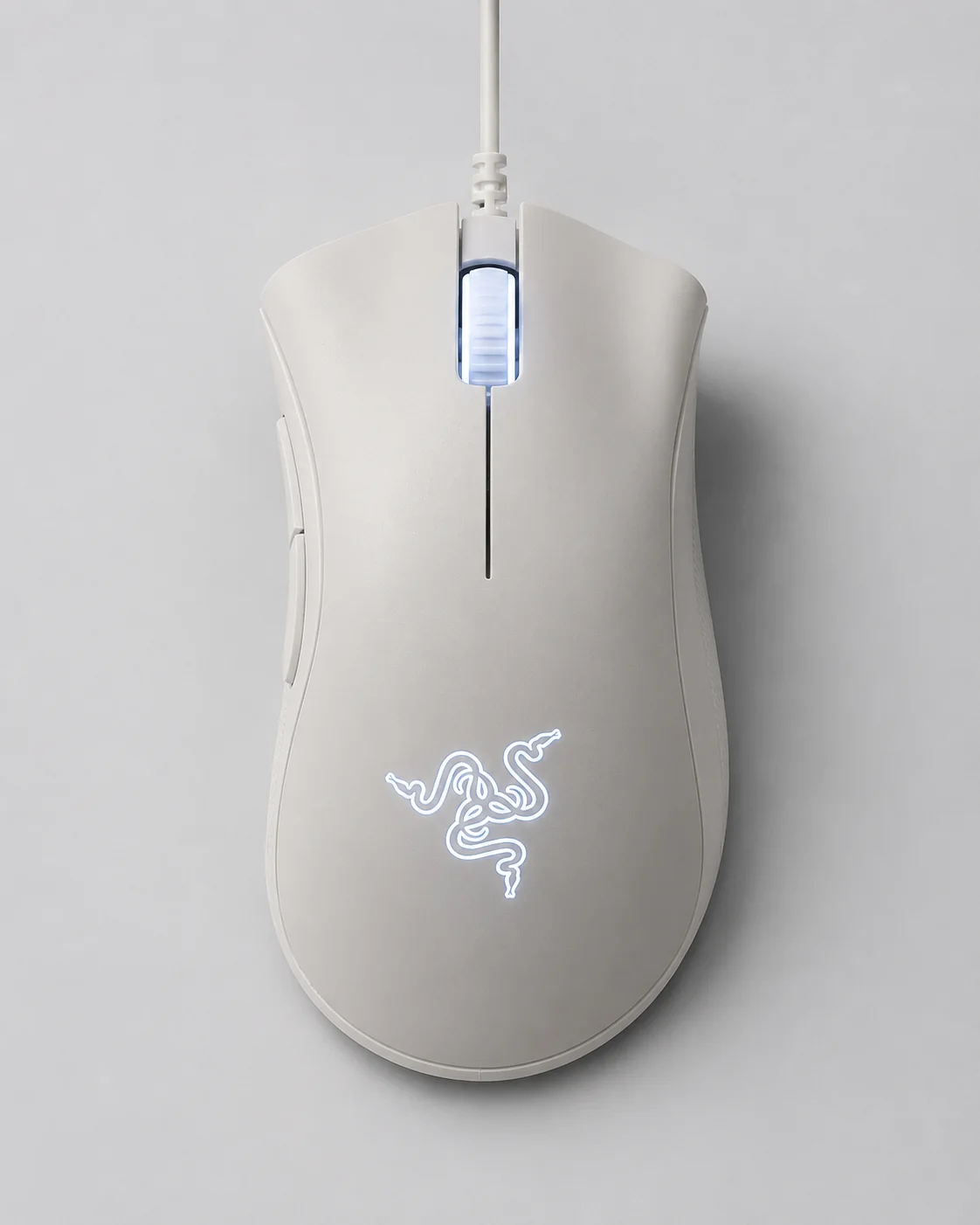
A wired mouse like the Razer DeathAdder Essential keeps the tradeoff simple: no battery, no dongle to lose, no charging dock, and a lower price ceiling. Razer lists the DeathAdder Essential with a 6,400 DPI optical sensor, ergonomic form factor, and five Hyperesponse buttons. Those basics are enough for a lot of work and play.
Comparison matrix
| Question | Wired mouse | Wireless mouse |
|---|---|---|
| Lowest total cost? | Usually yes | Usually no |
| Battery management? | None | Required |
| Cable drag? | Possible | No main cable during use |
| Travel convenience? | Simple, but cable stays attached | Cleaner, but dongle and charging matter |
| Long ownership risk? | Cable wear | Battery aging, dongle loss, charging port wear |
Does wireless latency actually matter now?
The old advice that wireless mice add lag is mostly out of date, but the nuance still matters. A modern 2.4 GHz dongle connection is effectively as fast as a cable for the vast majority of players, which is why many professional esports mice are now wireless. Bluetooth is the exception: it is convenient and easy on battery, but its higher and less consistent latency makes it better for travel and office work than for fast games. So the honest split is not "wired versus wireless" but "wired or a 2.4 GHz dongle for gaming, Bluetooth for convenience." A budget wireless mouse that only offers Bluetooth is not the same product as one with a dedicated dongle, even if both simply say "wireless" on the box.
When wired is the smarter buy
Wired is best when you want a predictable tool at a low price. It is also a good fit for shared computers, office desks, and setups where the mouse rarely moves from the same pad. A light cable clipped behind the monitor can make the experience feel close enough to wireless for a fraction of the cost.
Budget also matters. If a $15 to $30 wired mouse gives you the shape, buttons, and sensitivity you need, the money saved may be better spent on a larger mouse pad or a keyboard upgrade.
When wireless is worth paying for
Wireless makes more sense when the cable itself is the daily irritation. Low-sensitivity players who sweep across a large pad often feel cable drag more than high-sensitivity users. Laptop users may also prefer wireless because the desk changes often and the cable becomes one more thing to arrange.
The hidden cost is habit. You need to charge it, keep track of the receiver, and understand whether Bluetooth, a 2.4 GHz dongle, or both are supported. If forgetting to charge devices already annoys you, a wired mouse can feel strangely luxurious.
Weight, and why it is part of the cable decision
Cable drag and weight are the two physical things you feel every minute, and they pull in opposite directions. A wired mouse can be lighter because it carries no battery, but a stiff rubber cable adds its own drag; many players fix this cheaply with a flexible paracord-style replacement cable or a simple mouse bungee that lifts the cable off the pad. A wireless mouse removes cable drag entirely but usually weighs more because of the battery, unless you pay for a premium lightweight model. If you play at low sensitivity and make big arm sweeps, test how each option feels across a full pad rather than only in small desk movements.
Shape beats specs
Do not let DPI numbers make the decision for you. Many mice advertise sensitivity levels far beyond what most people use. Shape, grip width, button placement, wheel feel, and weight are more likely to affect daily comfort. If possible, choose a shape that matches your grip rather than the longest spec sheet.
A quick pre-purchase checklist
- Match the shape to your grip style (palm, claw, or fingertip) before anything else.
- For a gaming wireless mouse, confirm it includes a 2.4 GHz dongle, not Bluetooth only.
- Check the real weight, and whether the cable is stiff rubber or flexible.
- Count the buttons you will actually use rather than the highest number offered.
- For wireless, check the rated battery life and whether it charges over the same USB-C cable as your other gear.
Final verdict
For a clean desk and a bigger budget, a good wireless mouse is pleasant. For value, reliability, and zero charging chores, a wired mouse is still the default recommendation. The best choice is the one that removes the friction you actually feel at your desk.